Project for the Web
Guest user access in Project for the Web

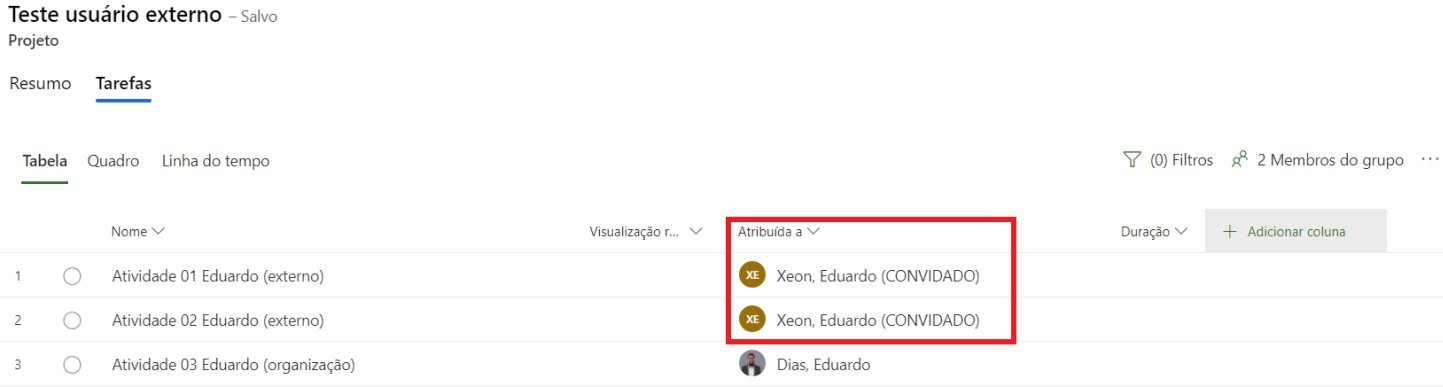
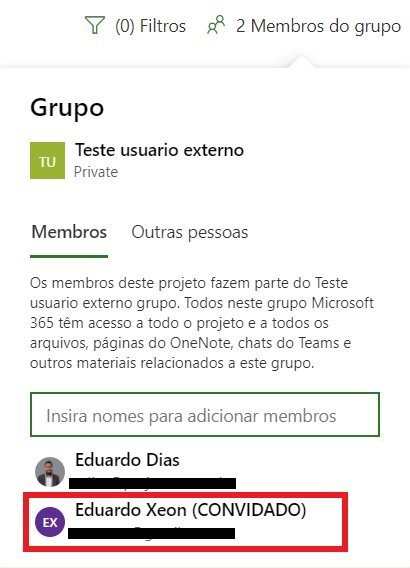
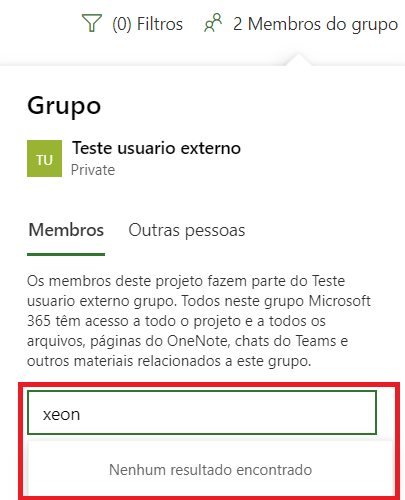
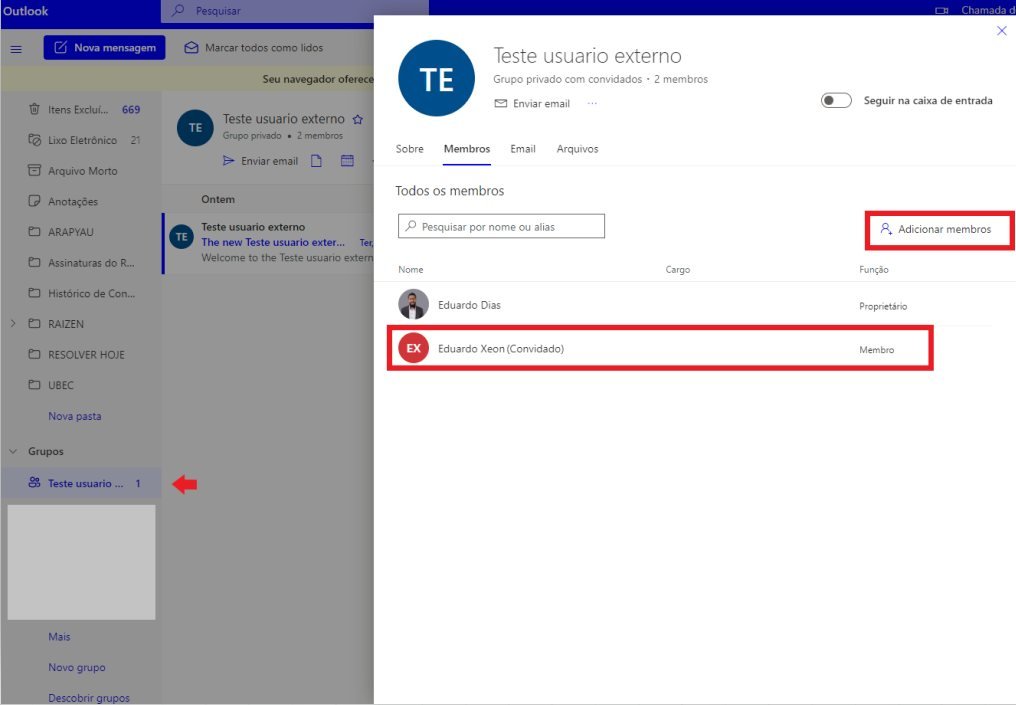
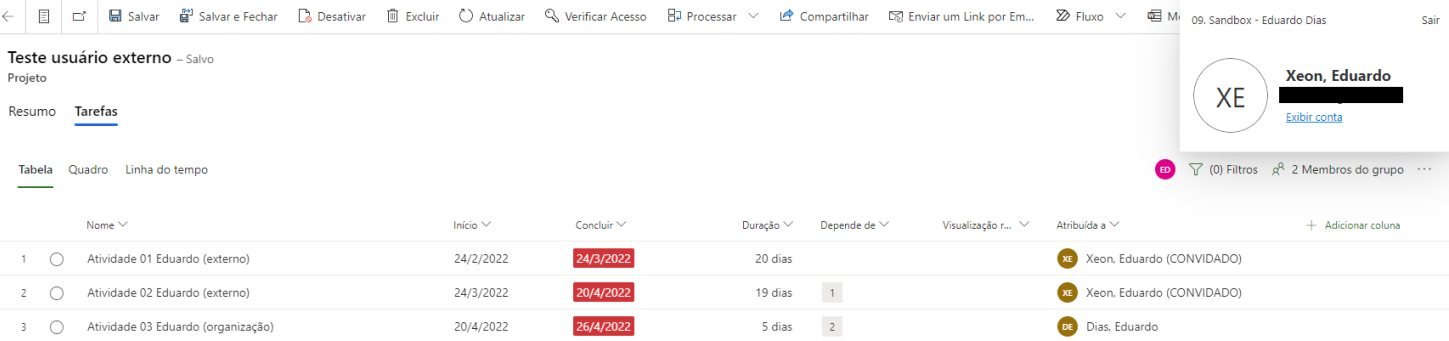
Project for the Web now accepts guest users from outside your organization. The screens below show how to grant access.
See how ProjectSA does it: Consulting
Frequently asked questions
Can users from outside the company access Project for the Web?
Yes. Project for the Web accepts guest users.
How does the guest access the project?
Through the invitation sent by the organization, with the project shared, including through Teams.
Is the feature still available in the new Planner?
Project for the Web became part of the new Microsoft Planner, in the premium plans.